HORSCH Error Codes4.0.9 - App Store
You'll be able to see results in few seconds.
Publisher Description
Your reliable companion for smooth fieldwork
HORSCH Assist combines our applications for optimised machine preparation and fast service functions. By entering the relevant parameters, you can make the correct settings on your machine directly.
Our applications:
. Rotor selection - Find the right rotor by specifying the metering system, the metering medium and the working width.
. Nozzle Guide: Find the optimal nozzle configuration for your Leeb crop care sprayer with the nozzle calculator, profile calculator and nozzle assistant.
. Metering disc selection - Use the optimum metering disc for precise seed and fertiliser distribution of your Maestro.
. SmartClip Guide - Determine the ideal settings for your Versa by specifying the crop, row spacing and forward speed.
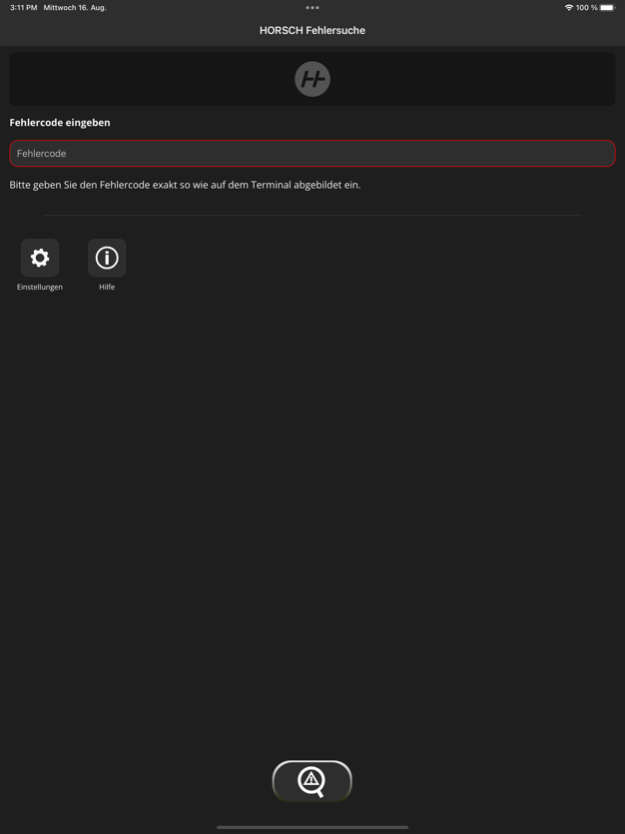
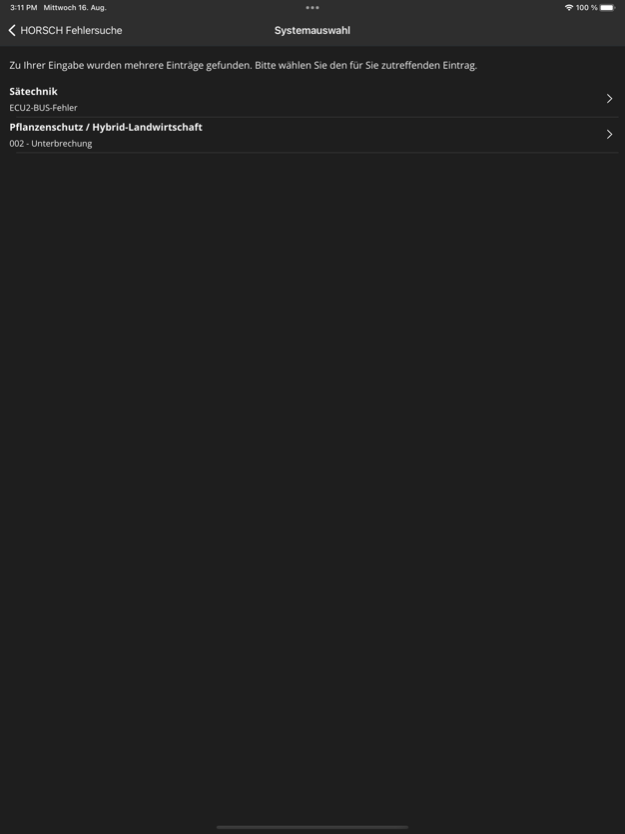
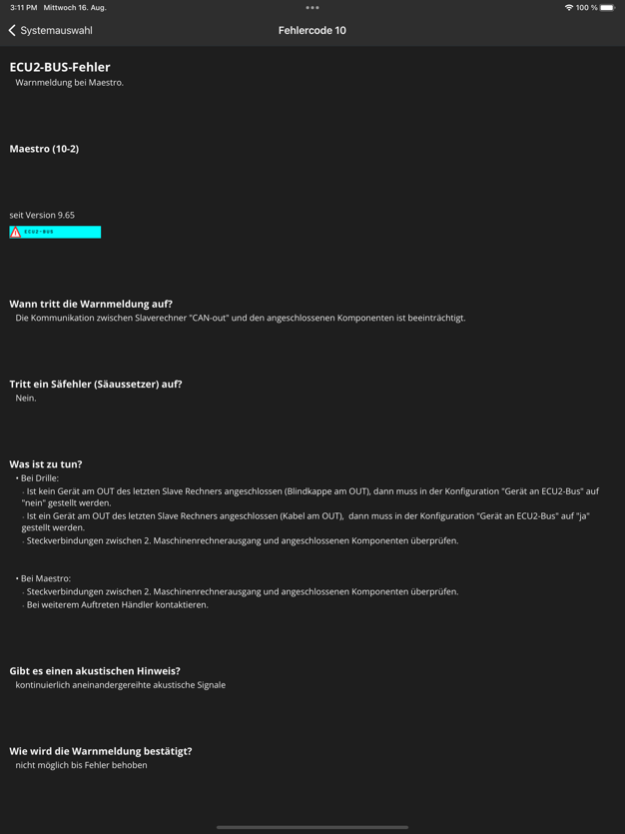
. Error code lookup - Identify and understand error codes of your machines in no time at all.
With HORSCH Assist you always have the most important functions for your HORSCH agricultural technology at hand. The app supports you in the optimum setting and utilisation of your machines - for smart decisions in the field.
Download now and get started right away!
Info: The applications listed can be accessed directly and without login. The app is available free of charge for iOS.
HORSCH is a leading global manufacturer of innovative agricultural technology and modern solutions for soil cultivation, seeding and plant protection. Every single customer with their individual requirements is the focus of our activities.
Version History fixed issues 4.0.9 Sep 3 bug fixes
performance improvements
updated database 4.0.8 Aug 18 fixed performance issues 4.0.7 Apr 16 small bug fixes 4.0.6 Mar 20 small changes 4.0.5 Mar 16 This update includes small bug fixes and performance improvements. 4.0.1 06/16/2025 Reorganization of the app structure. “MobileControl” is replaced by ‘HORSCH Control’, ‘Error codes’ by ‘HORSCH Assist’.
With this change, the applications rotor selection, SmartClip Guide and Error codes were moved to the HORSCH Assist app. In HORSCH Control, all machine control functions are maintained (calibration, row metering test, nozzle test) 4.0.0 04/11/2025 New data release 3.9.3 05/08/2024 Bugfixes 3.9.2 04/12/2024 Display optimization for different languages
Display optimization for I-Manager 3.9.1 01/09/2024 New design. One input field for all HORSCH error codes. 3.9.0 08/17/2023 New error codes added and enhanced 3.8.1 04/20/2021 New error codes added and enhanced 3.8.0 03/11/2020 New error codes added and enhanced 3.7 10/10/2019 New error codes added and enhanced 3.6 02/12/2019 New error codes added and enhanced 3.3 08/28/2018 New error codes added and enhanced 3.0.6 03/23/2018 new language 2.5 12/19/2017 - Added new errors for seed technology
- New machines added 2.1 08/28/2017 Added new error codes 1.4 03/17/2016 stability improvements 1.3 09/16/2015 Additional error messages 1.2 03/12/2015 HORSCH error codes: know what to do
v 1.01 1.01 09/07/2014 1.0 08/28/2014
About HORSCH Error Codes
The company that develops HORSCH Error Codes is Horsch Maschinen GmbH. The latest version released by its developer is 4.0.9.
To install HORSCH Error Codes on your iOS device, just click the green Continue To App button above to start the installation process. The app is listed on our website since 2026-10-13 and was downloaded 0 times. We have already checked if the download link is safe, however for your own protection we recommend that you scan the downloaded app with your antivirus. Your antivirus may detect the HORSCH Error Codes as malware if the download link is broken.
How to install HORSCH Error Codes on your iOS device:
- Click on the Continue To App button on our website. This will redirect you to the App Store.
- Once the HORSCH Error Codes is shown in the iTunes listing of your iOS device, you can start its download and installation. Tap on the GET button to the right of the app to start downloading it.
- If you are not logged-in the iOS appstore app, you'll be prompted for your your Apple ID and/or password.
- After HORSCH Error Codes is downloaded, you'll see an INSTALL button to the right. Tap on it to start the actual installation of the iOS app.
- Once installation is finished you can tap on the OPEN button to start it. Its icon will also be added to your device home screen.
Program Details
System requirements
Download information
Pricing
Version History
version 4.0.9
posted on 2026-10-13
Version History fixed issues 4.0.9 Sep 3 bug fixes
performance improvements
updated database 4.0.8 Aug 18 fixed performance issues 4.0.7 Apr 16 small bug fixes 4.0.6 Mar 20 small changes 4.0.5 Mar 16 This update includes small bug fixes and performance improvements. 4.0.1 06/16/2025 Reorganization of the app structure. “MobileControl” is replaced by ‘HORSCH Control’, ‘Error codes’ by ‘HORSCH Assist’.
With this change, the applications rotor selection, SmartClip Guide and Error codes were moved to the HORSCH Assist app. In HORSCH Control, all machine control functions are maintained (calibration, row metering test, nozzle test) 4.0.0 04/11/2025 New data release 3.9.3 05/08/2024 Bugfixes 3.9.2 04/12/2024 Display optimization for different languages
Display optimization for I-Manager 3.9.1 01/09/2024 New design. One input field for all HORSCH error codes. 3.9.0 08/17/2023 New error codes added and enhanced 3.8.1 04/20/2021 New error codes added and enhanced 3.8.0 03/11/2020 New error codes added and enhanced 3.7 10/10/2019 New error codes added and enhanced 3.6 02/12/2019 New error codes added and enhanced 3.3 08/28/2018 New error codes added and enhanced 3.0.6 03/23/2018 new language 2.5 12/19/2017 - Added new errors for seed technology
- New machines added 2.1 08/28/2017 Added new error codes 1.4 03/17/2016 stability improvements 1.3 09/16/2015 Additional error messages 1.2 03/12/2015 HORSCH error codes: know what to do
v 1.01 1.01 09/07/2014 1.0 08/28/2014
version 4.0.9
posted on 2026-09-04
Version History fixed issues 4.0.9 11h ago bug fixes
performance improvements
updated database 4.0.8 Aug 18 fixed performance issues 4.0.7 Apr 16 small bug fixes 4.0.6 Mar 20 small changes 4.0.5 Mar 16 This update includes small bug fixes and performance improvements. 4.0.1 06/16/2025 Reorganization of the app structure. “MobileControl” is replaced by ‘HORSCH Control’, ‘Error codes’ by ‘HORSCH Assist’.
With this change, the applications rotor selection, SmartClip Guide and Error codes were moved to the HORSCH Assist app. In HORSCH Control, all machine control functions are maintained (calibration, row metering test, nozzle test) 4.0.0 04/11/2025 New data release 3.9.3 05/08/2024 Bugfixes 3.9.2 04/12/2024 Display optimization for different languages
Display optimization for I-Manager 3.9.1 01/09/2024 New design. One input field for all HORSCH error codes. 3.9.0 08/17/2023 New error codes added and enhanced 3.8.1 04/20/2021 New error codes added and enhanced 3.8.0 03/11/2020 New error codes added and enhanced 3.7 10/10/2019 New error codes added and enhanced 3.6 02/12/2019 New error codes added and enhanced 3.3 08/28/2018 New error codes added and enhanced 3.0.6 03/23/2018 new language 2.5 12/19/2017 - Added new errors for seed technology
- New machines added 2.1 08/28/2017 Added new error codes 1.4 03/17/2016 stability improvements 1.3 09/16/2015 Additional error messages 1.2 03/12/2015 HORSCH error codes: know what to do
v 1.01 1.01 09/07/2014 1.0 08/28/2014
version 4.0.8
posted on 2026-08-22
Version History bug fixes
performance improvements
updated database 4.0.8 3d ago fixed performance issues 4.0.7 Apr 16 small bug fixes 4.0.6 Mar 20 small changes 4.0.5 Mar 16 This update includes small bug fixes and performance improvements. 4.0.1 06/16/2025 Reorganization of the app structure. “MobileControl” is replaced by ‘HORSCH Control’, ‘Error codes’ by ‘HORSCH Assist’.
With this change, the applications rotor selection, SmartClip Guide and Error codes were moved to the HORSCH Assist app. In HORSCH Control, all machine control functions are maintained (calibration, row metering test, nozzle test) 4.0.0 04/11/2025 New data release 3.9.3 05/08/2024 Bugfixes 3.9.2 04/12/2024 Display optimization for different languages
Display optimization for I-Manager 3.9.1 01/09/2024 New design. One input field for all HORSCH error codes. 3.9.0 08/17/2023 New error codes added and enhanced 3.8.1 04/20/2021 New error codes added and enhanced 3.8.0 03/11/2020 New error codes added and enhanced 3.7 10/10/2019 New error codes added and enhanced 3.6 02/12/2019 New error codes added and enhanced 3.3 08/28/2018 New error codes added and enhanced 3.0.6 03/23/2018 new language 2.5 12/19/2017 - Added new errors for seed technology
- New machines added 2.1 08/28/2017 Added new error codes 1.4 03/17/2016 stability improvements 1.3 09/16/2015 Additional error messages 1.2 03/12/2015 HORSCH error codes: know what to do
v 1.01 1.01 09/07/2014 1.0 08/28/2014
version 4.0.7
posted on 2026-07-25
Version History fixed performance issues 4.0.7 Apr 16 small bug fixes 4.0.6 Mar 20 small changes 4.0.5 Mar 16 This update includes small bug fixes and performance improvements. 4.0.1 06/16/2025 Reorganization of the app structure. “MobileControl” is replaced by ‘HORSCH Control’, ‘Error codes’ by ‘HORSCH Assist’.
With this change, the applications rotor selection, SmartClip Guide and Error codes were moved to the HORSCH Assist app. In HORSCH Control, all machine control functions are maintained (calibration, row metering test, nozzle test) 4.0.0 04/11/2025 New data release 3.9.3 05/08/2024 Bugfixes 3.9.2 04/12/2024 Display optimization for different languages
Display optimization for I-Manager 3.9.1 01/09/2024 New design. One input field for all HORSCH error codes. 3.9.0 08/17/2023 New error codes added and enhanced 3.8.1 04/20/2021 New error codes added and enhanced 3.8.0 03/11/2020 New error codes added and enhanced 3.7 10/10/2019 New error codes added and enhanced 3.6 02/12/2019 New error codes added and enhanced 3.3 08/28/2018 New error codes added and enhanced 3.0.6 03/23/2018 new language 2.5 12/19/2017 - Added new errors for seed technology
- New machines added 2.1 08/28/2017 Added new error codes 1.4 03/17/2016 stability improvements 1.3 09/16/2015 Additional error messages 1.2 03/12/2015 HORSCH error codes: know what to do
v 1.01 1.01 09/07/2014 1.0 08/28/2014
version 4.0.6
posted on 2026-03-20
small bug fixes
version 4.0.1
posted on 2025-06-16
This update includes small bug fixes and performance improvements.
version 4.0.1
posted on 2025-06-16
Jun 16, 2025
Version 4.0.1
This update includes small bug fixes and performance improvements.
version 4.0.0
posted on 2025-04-11
Apr 11, 2025
Version 4.0.0
Reorganization of the app structure. “MobileControl” is replaced by ‘HORSCH Control’, ‘Error codes’ by ‘HORSCH Assist’.
With this change, the applications rotor selection, SmartClip Guide and Error codes were moved to the HORSCH Assist app. In HORSCH Control, all machine control functions are maintained (calibration, row metering test, nozzle test)
version 3.9.3
posted on 2024-05-08
May 8, 2024
Version 3.9.3
New data release
version 3.9.2
posted on 2024-04-12
Apr 12, 2024
Version 3.9.2
Bugfixes
Disclaimer
Official App Store Link
We do not host HORSCH Error Codes on our servers. We did not scan it for viruses, adware, spyware or other type of malware. This app is hosted by Apple and passed their terms and conditions to be listed there. We recommend caution when installing it.
The App Store link for HORSCH Error Codes is provided to you by apps112.com without any warranties, representations or guarantees of any kind, so access it at your own risk.
If you have questions regarding this particular app contact the publisher directly. For questions about the functionalities of apps112.com contact us.